
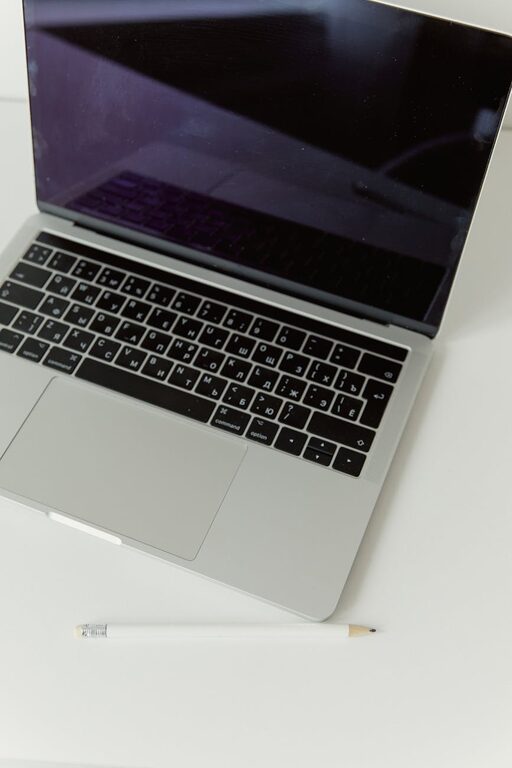
Creating a workspace that promotes both focus and comfort can make a significant difference in your daily productivity and overall well-being. Whether you work from home or in an office, how your desk is arranged plays a key role in minimizing distractions and physical strain. In this post, we’ll explore practical tips to set up your desk to foster concentration and keep you comfortable throughout the day.
Why Your Desk Setup Matters
A well-designed desk setup supports good posture, reduces fatigue, and helps maintain mental clarity. When your workspace feels inviting and organized, it encourages you to stick to your tasks and limits interruptions. Conversely, clutter or poor ergonomics can lead to discomfort, back pain, and distractions.
Choose the Right Desk and Chair
Pick a Desk with Enough Space
Start with a desk that offers ample surface area for your essential items—your computer, monitor, keyboard, and some room to write or use other tools. A desk that’s too small can feel cramped, while one that’s too large might lead to inefficient use or encourage clutter.
Invest in an Ergonomic Chair
Your chair should support your lower back and promote good posture. Adjustable height and lumbar support are key features to look for. Sitting comfortably reduces the risk of back pain and helps you stay focused longer.
Position Your Monitor Properly
Keep Your Screen at Eye Level
Place your monitor so the top of the screen is at or just below eye level. This position reduces neck strain by encouraging you to look straight ahead, rather than down or up.
Maintain a Comfortable Viewing Distance
Your monitor should be about an arm’s length away—roughly 20 to 30 inches—to avoid eye strain. Adjust brightness and contrast for comfortable viewing without glare.
Organize Your Desk for Efficiency
Keep Frequently Used Items Within Reach
Arrange tools like pens, notebooks, and your phone so they’re easily accessible without stretching or getting up often. This arrangement saves time and minimizes disruption.
Use Desk Organizers and Storage
Minimize clutter by using trays, pen holders, or drawer organizers. A tidy desk promotes mental clarity and makes it easier to locate things when you need them.
Limit Distractions
Try to keep your desk free of unrelated items like snacks or personal devices that might tempt you at work time. If you need your phone, consider putting it on “Do Not Disturb” mode.
Proper Lighting is Essential
Utilize Natural Light
If possible, set up your desk near a window to benefit from natural light. Natural daylight can boost mood and energy levels.
Supplement with Task Lighting
A desk lamp with adjustable brightness helps reduce eye strain, especially for reading or detailed work. Avoid harsh overhead lights, which can cause glare.
Incorporate Comfort Enhancements
Use a Keyboard and Mouse that Feel Good
Ergonomic keyboards and mice can reduce strain on your wrists and hands. Try different styles to find what feels best for you.
Add a Footrest
If your feet don’t comfortably reach the floor, a footrest can improve posture and circulation.
Consider Standing Desk Options
Standing desks or adjustable sit-stand workstations allow you to change positions throughout the day, which can prevent stiffness and improve focus.
Personalize to Inspire
Add Plants or Artwork
A few decorative elements can make your workspace more inviting and stimulate creativity without cluttering your desk.
Maintain a Clean Desk Policy
Regularly wipe down your desk and put things away to keep your space neat and ready for the next work session.
Final Thoughts
Optimizing your desk setup for focus and comfort is about balancing function with personal preferences. Small, intentional changes can have a big impact on your productivity and well-being. By focusing on ergonomics, organization, and lighting, you’ll create a workspace that supports both your body and mind throughout the workday.
Feel free to experiment with these tips and adjust your setup until you find a comfortable routine. Happy working!
